My Environment
OS:
Debian 11Mobile Device:
Google Pixel 3AOSP Tag:
android-11.0.0_r1AOSP Build ID:
RP1A.200720.009
Prepare Building Environment
Make sure you have installed adb and fastboot, if not
Download from Google (recommended!!)
or
sudo apt install android-tools-adb
sudo apt install android-tools-fastboot
Install some tools
sudo apt-get install git-core gnupg flex bison build-essential zip curl zlib1g-dev gcc-multilib g++-multilib libc6-dev-i386 libncurses5-dev lib32ncurses5-dev x11proto-core-dev libx11-dev lib32z1-dev libgl1-mesa-dev libxml2-utils xsltproc unzip fontconfigInstall repo
mkdir ~/.bin
export PATH=~/.bin:$PATH
curl https://storage.googleapis.com/git-repo-downloads/repo > ~/.bin/repo
ln -s /usr/bin/python3 /usr/bin/python
Build Kernel
Get the source code, it will take about 30GB of disk space after building.
mkdir kernel && cd kernel
repo init -u https://android.googlesource.com/kernel/manifest -b android-msm-crosshatch-4.9-android11-qpr2
repo sync
Get tools
cd prebuilts
git clone https://android.googlesource.com/kernel/prebuilts/build-tools
mv build-tools kernel-build-tools
export PATH=${WORK_DIR}/kernel/prebuilts/kernel-build-tools/linux-x86/bin:$PATH
If you want kernel can work on android-11.0.0_r1, checkout msm to commit 5bded8e40b62. You can get this commit id in ${WORK_DIR}/android11/device/google/crosshatch-kernel/Image.lz4 after downloading the Android source.
cd ${WORK_DIR}/kernel/private/msm-google
git checkout 5bded8e40b62
Build
cd ${WORK_DIR}/kernel
. build/build.sh
Build Android
Get the source, it will take about 200GB of disk space after building.
mkdir android11 && cd android11
repo init --depth 1 -u https://android.googlesource.com/platform/manifest -b android-11.0.0_r1
repo sync -c -j8
Get the vendor images from Driver Binaries for Nexus and Pixel Devices
wget https://dl.google.com/dl/android/aosp/google_devices-blueline-rp1a.200720.009-6cd41940.tgz
wget https://dl.google.com/dl/android/aosp/qcom-blueline-rp1a.200720.009-f772c38c.tgz
tar -xf google_devices-blueline-rp1a.200720.009-6cd41940.tgz && tar -xf qcom-blueline-rp1a.200720.009-f772c38c.tgz
./extract-google_devices-blueline.sh && ./extract-qcom-blueline.sh
Compile with our new kernel, it costs 2 hours on my i5-10600KF.
cp ${WORK_DIR}/kernel/out/android-msm-pixel-4.9/dist/Image.lz4 ${WORK_DIR}/android11/device/google/crosshatch-kernel/Image.lz4
. build/envsetup.sh
lunch aosp_blueline-userdebug
make -j12
Flash Device
After getting the building output, let’s flash them to the device.
Since $ANDROID_PRODUCT_OUT will be set automatically, we can just use command flashall. If not, set it to ${WORK_DIR}/android11/out/target/product/blueline.
adb reboot bootloader
fastboot flashall -w
Update Drivers
Actually now your device can work well via adb. But due to driver mismatching, you may not be able to use the touchscreen, wlan etc. To fix this problem
adb root
adb remount -R
adb push ${WORK_DIR}/kernel/out/android-msm-pixel-4.9/dist/*.ko /vendor/lib/modules/
Then reboot. Everything should works now.
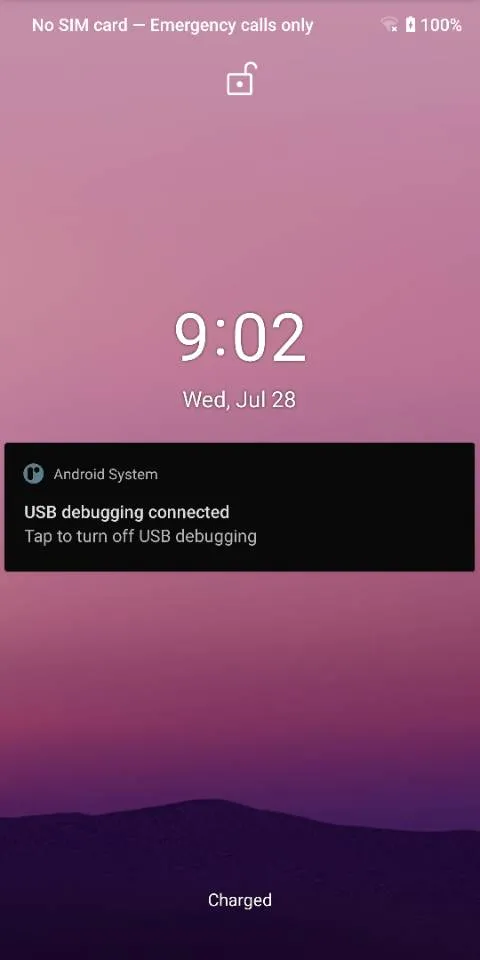
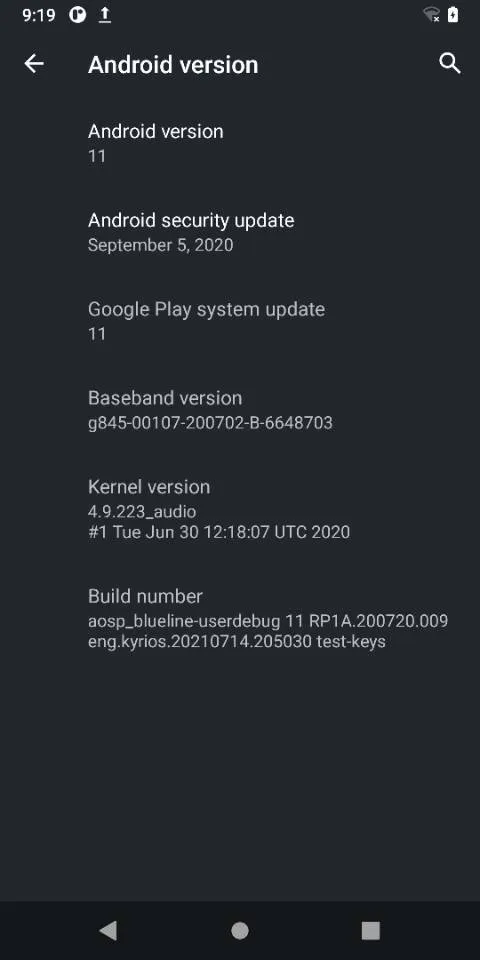
Result
References
mkbootfs command not found while trying to build aosp kernel
Built kernel from scratch, touchscreen doesn’t work?
Touchscreen not working after building and flashing clean msm kernel for the Google Pixel blueline
Pixel 3 Aosp 自编译内核如何正确的驱动设备正常运行